How It Works
Reskin Surface Studio chains four steps across the browser, an image-generation backend and a world-model API:
- Capture and choose: upload a 360° image of the room and reference images of the tiles or wallpaper you want.
- Detect: SAM 3 finds and isolates surfaces — for example, the brick wall.
- Replace: a ComfyUI workflow swaps that surface in the 360° panorama for the user's reference.
- Reconstruct and experience: the new panorama goes to World Labs to generate a gaussian splat, which comes back to the browser to explore in WebXR.
1. Inputs and Surface Detection
Everything starts in the web app. A 360° capture of the space and a handful of texture references are the only inputs — no 3D scanning or modeling. SAM 3 segments the panorama so the user can pick exactly which surface to reskin.
2. Replacing the Surface in 2D
The edit happens on the flat 360° panorama, not in 3D. A ComfyUI backend workflow — with Gemini for panorama generation — replaces the selected surface with the reference texture, producing one new panorama per option.
3. From Panorama to Gaussian Splat
After the user confirms the result in the web app, each new panorama is sent to World Labs through its API to generate a gaussian splat — a photoreal 3D version of the room with the new surface in place.
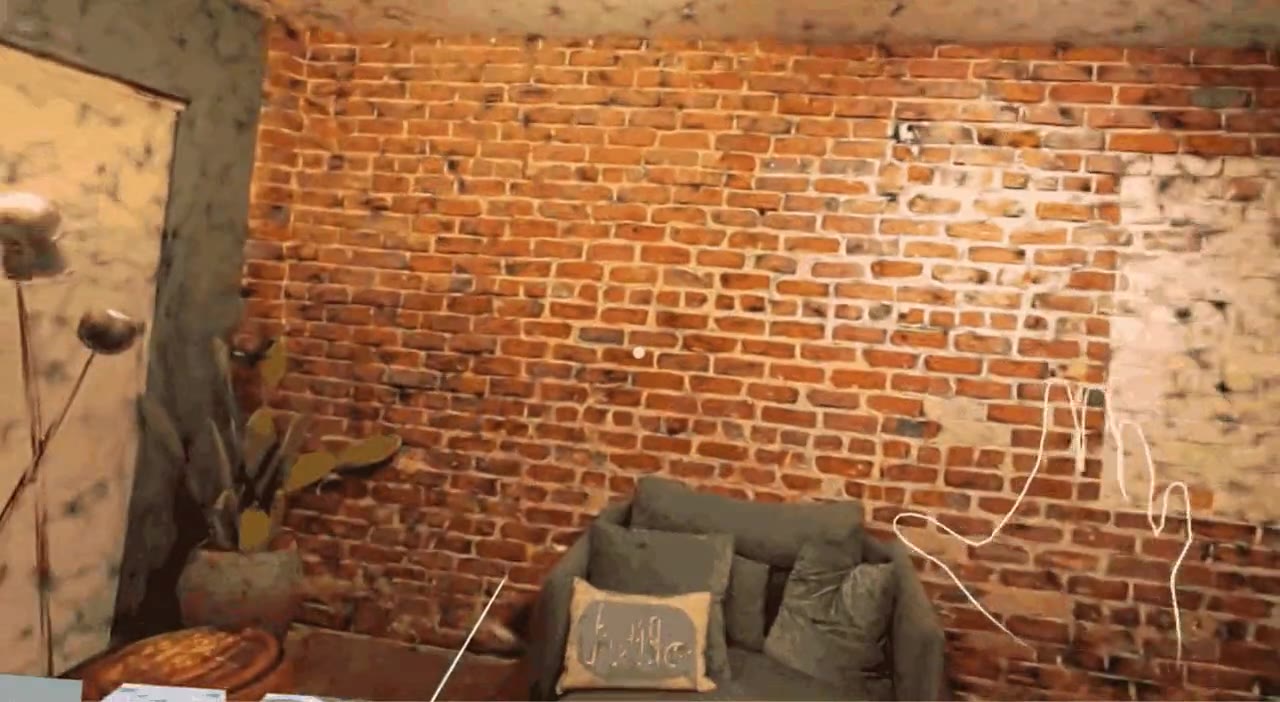
4. Stepping Inside in WebXR
I built the WebXR experience with Spark.js for gaussian-splat rendering on the web. The finished splat streams back to the browser, and from there you can enter VR, look around the room at real scale, and switch between texture references to compare options in place.
Architecting the Workflow
My other role was making the pieces run as one system. The pipeline crosses the browser, SAM 3, a ComfyUI backend and the World Labs API, and each hand-off had to carry the right image, mask and references to the next step — then return a splat the WebXR viewer could load.
- Decision: edit in 2D, reconstruct in 3D only at the end. Surface replacement runs on the flat panorama, where it's fast to iterate on, and the gaussian splat is generated once per approved option as the final, viewable output.
- Decision: a confirmation step before reconstruction. The user approves each reskinned panorama in the web app before it goes to World Labs, so only results worth walking through become splats.
- Decision: compare in place. All options are loaded for the same room, so in VR the user switches surfaces while standing in one spot instead of re-entering a new scene.
What's Still Unproven
Reskin Surface Studio is a hackathon prototype, built and demoed over the event. It hasn't yet been tested with people choosing finishes for a real room — the next step to find out whether walking through options at full scale changes the decision.